The $200 Teleprompter I Almost Bought
I had the checkout page open.
$199 for a teleprompter app. Annual. The one all the creator YouTubers use. The one that shows up in every "my recording setup" video. I had compared it to three alternatives, read the reviews, watched the tutorials, and decided it was the one.
Then I paused. Because the thing I actually wanted it to do was about 4% of the feature list.
I want text on my screen while I record. I want to control the scroll speed. I want to adjust the font size. I want to mark where I am in the script with a visual cue. I want it to stay out of my way while my camera runs.
That is five features. The app I was about to buy has about sixty. I was paying for the other fifty-five because someone else had decided they should exist.
So I closed the tab and opened Claude.
Twenty Minutes Later
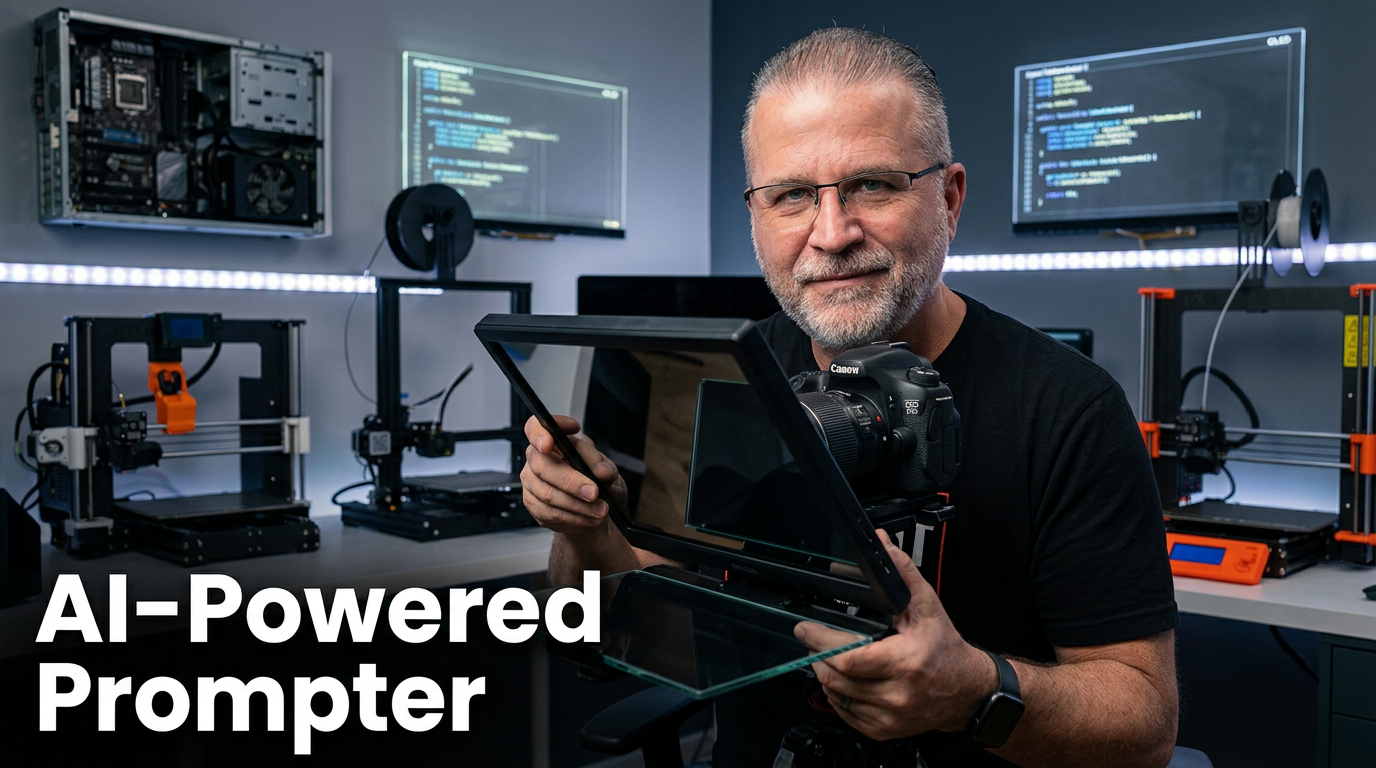
The video at the top of this post is the finished thing. Eight minutes of recording, one take, scrolling text on the screen while I deliver the lines. No wristwatch of fonts I will never use. No cloud sync I did not ask for. No per-user licensing. Just a single HTML file that does exactly what I need and nothing else.
The build was four passes in Claude.
Pass one was the skeleton. A scrolling text container, a control bar, a pause button, a speed slider, a font size control. Five controls total because that is what I actually use. Claude produced a working version in the first pass.
Pass two was polish. I wanted the scrolling to be smooth, not jittery. I wanted keyboard shortcuts so I could adjust without leaving the frame. I wanted the text area to take most of the screen while I record. Claude took my three sentences of feedback and rewrote the relevant parts.
Pass three was customisation. Orange accent color for the active line, a progress bar at the top, a word count in the bottom corner. Things that match my brand and make the tool feel like mine.
Pass four was the one nobody talks about. The one where you use the tool in a real recording session and realize something small is wrong. My active-line highlight was too bright. The font was too narrow for reading at a distance. The pause state needed to be more visually distinct. Six small fixes. Two minutes in Claude. Done.
Twenty minutes of work. Zero recurring cost. A tool that does exactly what I need and no more.
The Prompt Structure That Actually Works
People keep asking me what prompt I used. The honest answer is that the prompt was not the work. The architecture was.
Here is the exact prompt that kicked off the first pass:
I want a single HTML file that functions as a teleprompter for video recording. The screen should be split into two zones. The top 80% is a scrolling text area where I paste my script. The bottom 20% is a control bar with: a play/pause button, a speed slider from 10 to 200 pixels per second, a font size slider, and a text input box to paste new script content. When the user clicks play, the text scrolls upward at the selected speed. When paused, scrolling stops. The text should auto-wrap. The background is dark grey. The text is white. The active line (the one crossing the middle of the screen) gets an orange highlight so the speaker can see where they are. Keyboard shortcut: spacebar to toggle play/pause.
That prompt is not clever. It is specific. It lists what I need, what I do not need, and what the edge cases look like. Claude translates that directly into working code.
Most people write prompts that sound like questions a beginner would ask a consultant. "Can you help me build a teleprompter? I want it to be really good and easy to use." That prompt produces generic output. Because the instructions are generic.
The shift is treating the prompt like a brief. Not a conversation.
Why Single-Purpose Tools Win Now
This is the part I did not expect when I started building things in Claude a year ago.
For two decades, the way to get software was to find the closest commercial product, pay for it, and work around whatever did not fit. You bought a heavy general-purpose tool and used about 10% of it. The other 90% was bloat you ignored.
That math is now inverted for a growing list of creator and operator workflows. Because the cost of building a single-purpose tool has collapsed.
Not zero. Twenty minutes is still a cost. You still need to know what you want the tool to do, which is the part most people skip. But the building part, the part that used to require a developer and a budget and a roadmap, is now an afternoon.
I have built six of these in the last month. A teleprompter. A script-to-slide converter. A follower-count tracker that scrapes my LinkedIn analytics and charts the last 90 days. A lead magnet assessment builder (that is EP01 of this series). A webinar reminder-email generator. A client portal.
Each one is small. Each one does exactly one thing. Each one took a morning to build.
The total cost of those six tools? Maybe three hours of my time and about $40 in Claude usage. If I had bought the commercial equivalent of each one, I would be paying around $2,000 per year in recurring licenses. Forever.
That is not a marginal improvement. That is a category shift.
What This Means for Your MSP
Most MSP owners I talk to are looking at AI and thinking about how it applies to client service delivery. That is the right place to be looking. But it is not the only place.
Every MSP I know is running five to ten SaaS tools internally for the business itself. Project management. Time tracking. Invoicing. Client portals. Knowledge base. Form builders. Survey tools. Reporting dashboards. Each one has a monthly fee, a feature list you do not fully use, and a set of limitations you have been working around for years.
A growing portion of those can be replaced with single-purpose tools you build yourself. Not all of them. Your PSA and your RMM are not going anywhere. But the ten-dollar-a-month utility tools? The form builder you use twice a month? The dashboard that pulls three numbers and graphs them? Those are now in-range.
This is not a tell-your-team-to-learn-coding situation. It is a you-spend-20-minutes-in-Claude situation. The tool is the one you were about to buy. The prompt is your brief. The output is the thing that replaces the license fee.
You will not replace your whole stack. But you will trim it. And the tools you build yourself will fit your workflow better than the ones you rent ever did.
Your Move
Open Claude. Think of one SaaS tool you pay for that you use less than 20% of.
Write the prompt the same way I wrote mine. Start with: "I want a single HTML file that..." Then list the five things you actually use. Do not list the things you never touch.
Run the prompt. Iterate three or four times. Use the tool in a real workflow. Keep iterating.
In twenty minutes you will have something that works. In a week you will have three or four of them running in your browser for specific workflows. In a month you will wonder why you were paying for the previous version at all.
If you want to see the teleprompter I built in action, the video is above. It is the one I recorded using the teleprompter itself. Which is either circular or proof.
Take the AI Readiness Assessment at orangenomad.com/ai-assessment. It will tell you honestly where your business sits on the curve of replacing general-purpose tools with single-purpose ones. Fifteen questions. Five minutes.
If you want to build this kind of thing alongside other MSP owners doing it right now, the Build With AI Cohort waitlist is at orangenomad.com/ai-rollout.
Watch the full build walkthrough → https://youtu.be/zZdZMVLNdu0

Andrew Moon is the founder of Orange Nomad and the creator of the 3Cs Framework — a repeatable marketing system built for MSP owners under $5M who are great at IT but struggling to find clients. Not a marketer who learned about MSPs. An MSP owner who learned marketing — the hard way.